
 YinYangEQ Qudelix 5K Companion
Build and manage EQs on Android.
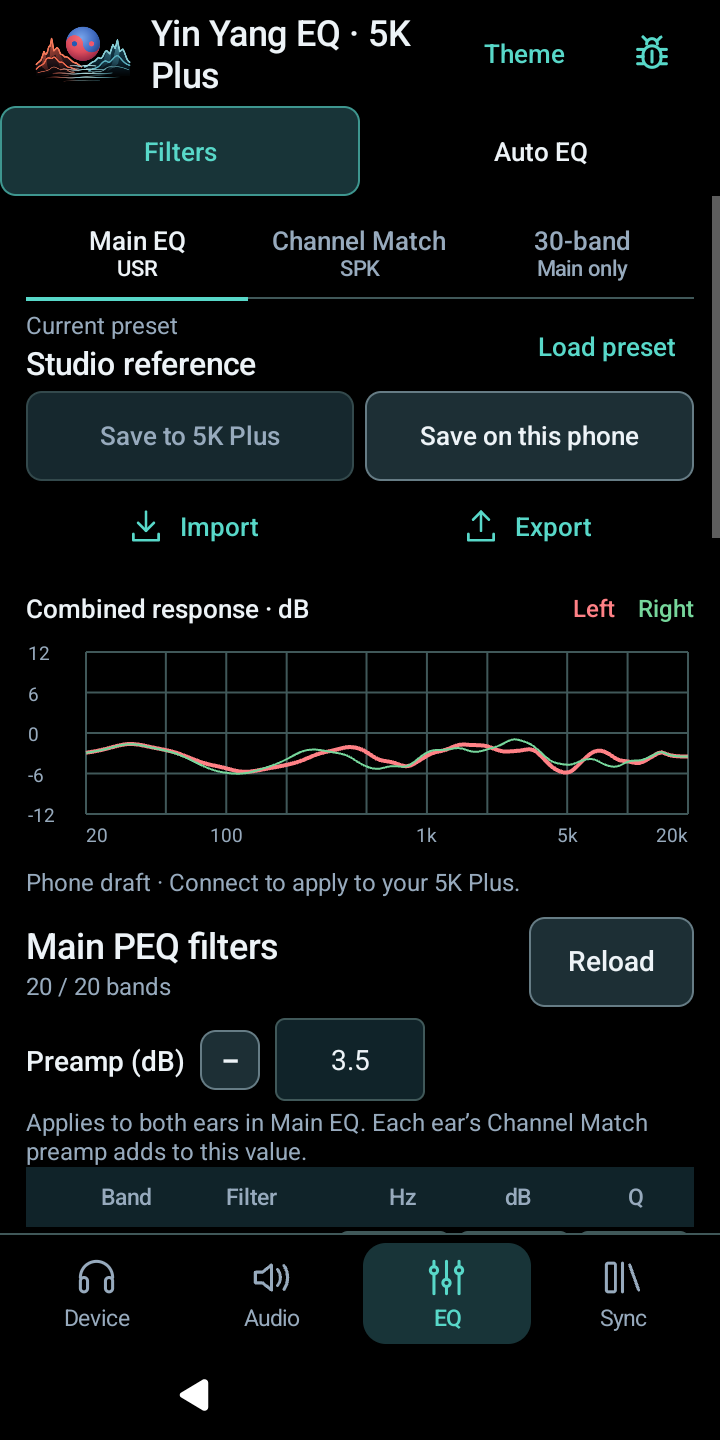
Import, edit and export parametric EQ files. Create an EQ offline from your headphone or IEM measurements, then save it with your left and right Channel Match as a paired preset.
On the 5K Plus, use up to 30 Main EQ bands or split the available slots between Main EQ and separate left and right correction.
 Download App Manager
App Manager requires Android 9 or newer. Use it to install and update YYEQ 5K and YYEQ PhoneEQ.
- YYEQ App Manager
- 1.6.8 (Build 30)
- YYEQ 5K
- 0.16.9 (Build 70)
- YYEQ PhoneEQ
- 0.3.5 (Build 10)
 YYEQ PhoneEQ
Apply system-wide parametric EQ to media and games on your Android phone without a Qudelix. Import a TXT file or open a fit from YYEQ 5K. Save and search Main EQ, Channel Match, and paired presets in your on-device library.
Download Phone EQAndroid 13 or newer. Also available in App Manager. Playback requires Shizuku.
The audio engine is adapted from Quve by nanbeimerco. Phone EQ source and license
Set up Shizuku
- Install Shizuku from Google Play or GitHub.
- Start Shizuku using wireless debugging. Shizuku setup guide
- Open Phone EQ and allow Shizuku access. Select a preset and tap Start phone EQ.
Watch the Companion in action
See how to create an EQ offline from your measurements, save your favorite tunings, and try blind A/B.
60 seconds · “BTFO” by Jason J. Chevallier
How the 5K Plus shares its bands
| Main EQ | Left match | Right match | Total settings |
|---|---|---|---|
| 30 | 0 | 0 | 30 |
| 20 | 10 | 10 | 40 |
| 10 | 20 | 20 | 50 |
Each ear hears Main EQ plus its own correction, up to 30 bands. Each extra Main EQ band above ten uses one match slot on each side.
Tour the companion
The tour uses sample measurements, presets and library history. The Audio and Device screens show simulated playback and device readings.
Take a PEQ file from Android to your DAC
Import a tuning, edit its frequency, gain and Q in the filter table, and export a Qudelix-format copy. Save to your phone for later or to a hardware slot for listening.
Where the models differ
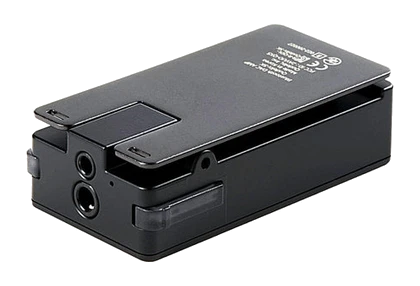
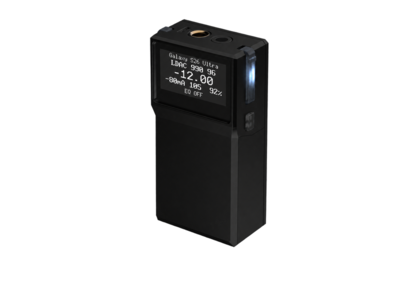
YinYang EQ Lab develops this independent companion. Device photos by Qudelix.
Read the feature guide- Qudelix 5K
- Control it over Bluetooth. Use 10 Main EQ bands plus 10 Channel Match bands per ear. The companion can swap the audio outputs and carry the CH0 and CH1 corrections with them.
- Qudelix 5K Plus
- Control it over USB or Bluetooth. Share band slots between Main EQ and the two ears, or use the full 30-band Main EQ bank. On firmware 1.0.3, the companion can turn off automatic pairing at the DAC and close an open pairing window. Previously paired devices can reconnect, and you can start a new pairing manually on the 5K Plus. 5K Plus manual.